Free Golf Score Graphics for YouTube: No Card Needed
2026-11-25 · Score Graphics
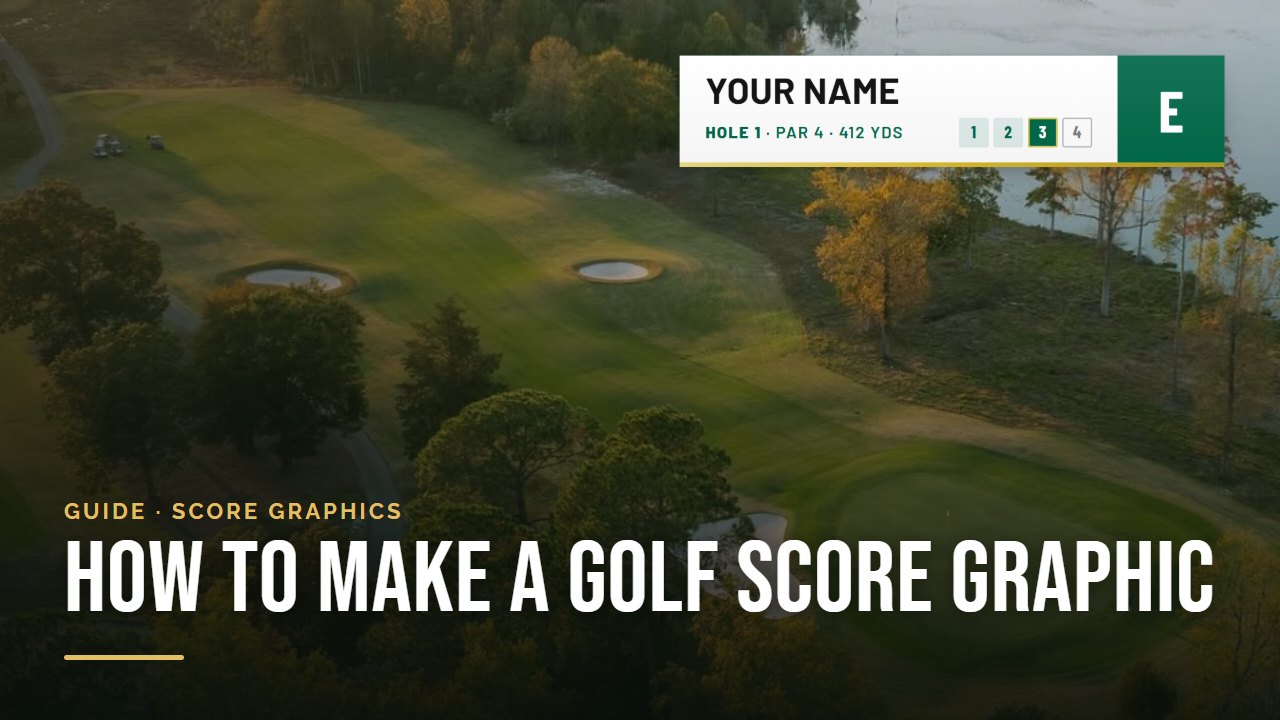
Score graphics make a golf video easy to follow: the hole, the shot and the score, right there on screen. Most people make them from a template, one shot at a time. That's an evening of editing for every round.
The Score Graphics Generator makes them for you, and now there's a free plan. No card, no trial to cancel.
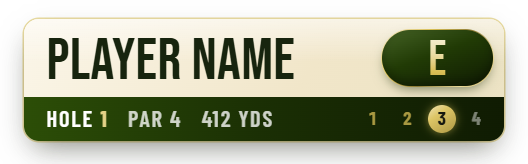
What the generator does
You give it the round once. It gives you a finished graphic for every shot.
- 1Enter the roundType the scores, or scan a photo of the card on Pro.
- 2Pick a designAdd your name and change the colours.
- 3Export every shotA transparent PNG for each one.
- 4Drop them in your editCapCut, Premiere, Final Cut, Resolve and more.
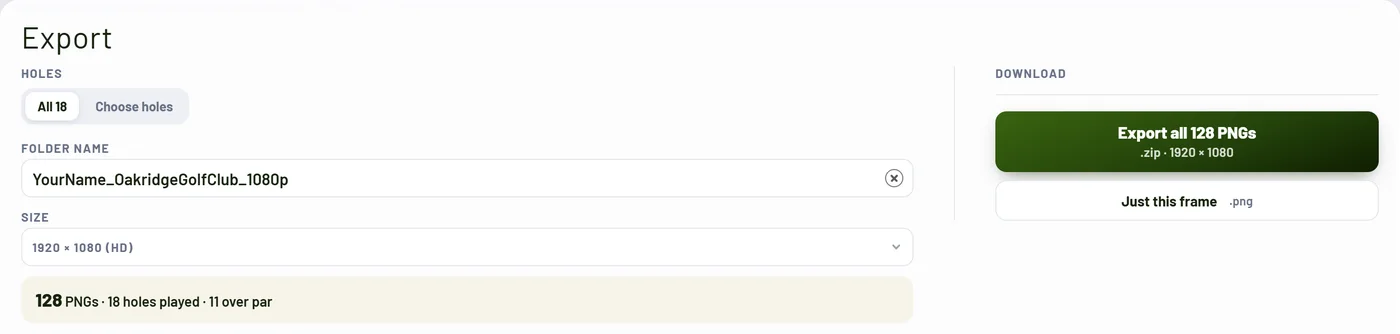
What's free
- Everything on Pro
- Animated designs
- Scorecards and hole info
- No watermark
- Classic, Clubhouse and Slate
- Your name and colours
- PNG score graphics
- A small watermark
No card at any point. Keep the free plan as long as you like, or upgrade when your channel needs more.
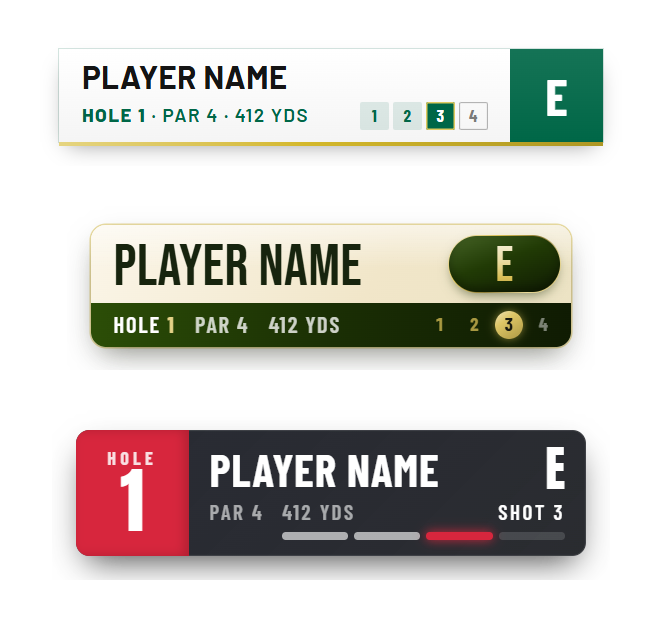
The three free designs
Clean, broadcast-style graphics that suit any channel. On the free plan they carry a faint Handicap Tracker watermark across the graphic.
When to upgrade
The free plan covers the score on every shot. Paid plans are for channels that want the full broadcast look.
- Starter: no watermarkClean graphics in every standard design.
- Pro: animated designsGraphics that slide and pop in.
- Pro: scorecards and hole infoA scorecard after every hole, a card on every tee.
- Pro: leaderboards and 4KFor group videos and big screens.
Want to see what other creators are using? The community shows the designs that are popular right now, and the channels using them.
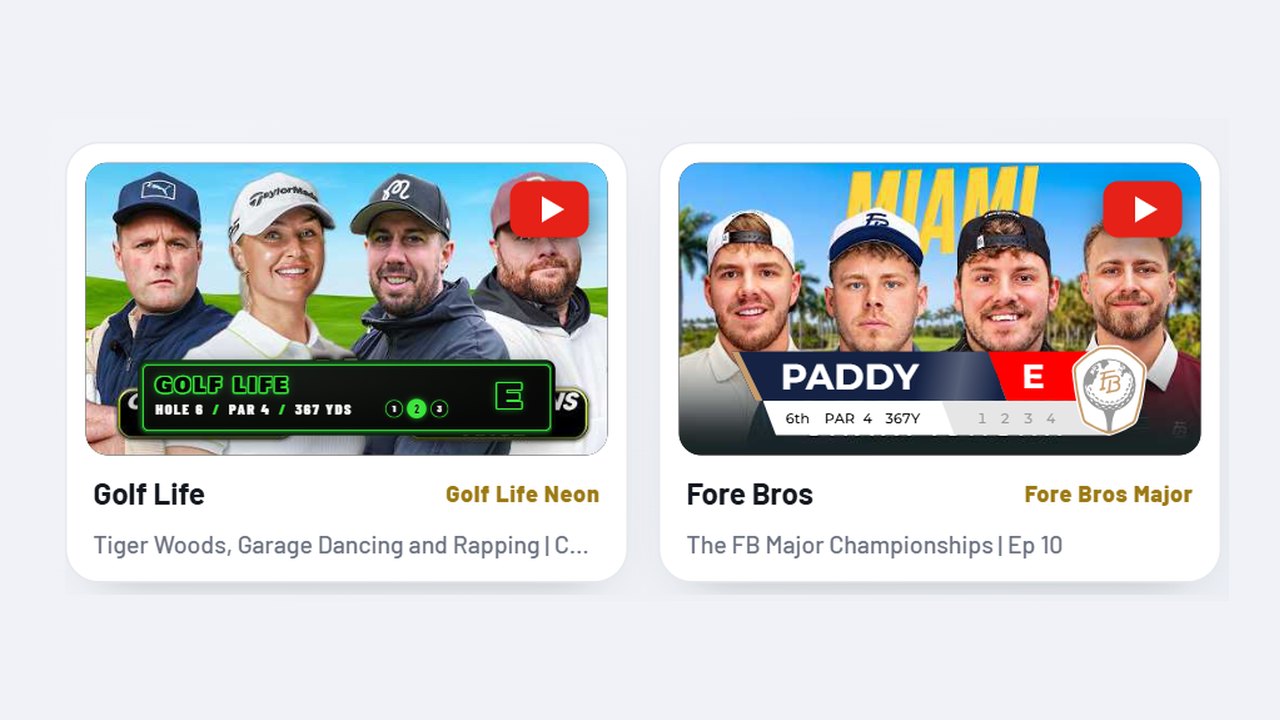 CommunityScore Graphics Community: what creators are using
Quick answers
Is there a free golf scorecard maker for videos?
Yes. The Score Graphics Generator has a free plan with no card needed: 14 days of Pro to try everything, then three designs free for good, exported as PNGs with a small Handicap Tracker watermark.
What is a golf overlay?
A graphic laid over your golf video to show the score: a small one on every shot with the hole, par, yardage and score to par, and a full scorecard between holes.
How do I make a golf score graphic for free?
Make a free account, enter or scan your scorecard and pick Classic, Clubhouse or Slate. The generator makes a finished graphic for every shot of the round, ready to drop into your edit.
What is a golf score bug?
The TV name for the small score box in the corner of a golf broadcast. On YouTube it's the score graphic on every shot.
Is there a free golf scorecard template?
Printable templates are for paper rounds. For a video you need a transparent graphic per shot, and the free plan makes those for you instead of you editing a template 70 times.
Is there a free golf score overlay template?
Templates are free but slow: you edit the hole, par, shot and score by hand for every shot. The free plan fills them in from your scorecard.
Do I need a card for the free plan?
No. You sign up with an email and that's it. You only add a card if you choose to upgrade to Starter or Pro.
What's the difference between free and paid?
Free gives you three still designs with a watermark. Starter removes the watermark and unlocks every standard design. Pro adds animated designs, scorecards, hole info cards, leaderboards and 4K.
Can I use a golf score overlay PNG in CapCut?
Yes. A transparent PNG sits on an overlay track above your footage in CapCut, Premiere Pro, Final Cut Pro, DaVinci Resolve and LumaFusion.
How do I add a golf scorecard to a YouTube video?
Put each graphic on a track above the shot it belongs to, from just before the swing to the end of the shot. Every editor that takes PNG images can do it.
 New to score graphics? Start hereHow to Make a Golf Score Graphic