Golf Scorecard Overlay Templates for YouTube Videos
2026-11-14 · Score Graphics
A golf scorecard overlay keeps viewers in your round: what hole you're on, what you're shooting, and what's riding on the next shot. Search for one and you'll mostly find templates, a PNG or Canva file you edit for every shot.
This guide covers the two overlays golf YouTubers use, what goes on each, where templates eat your evening, and how to get a finished overlay for every shot straight from your scorecard.
Two overlays, two jobs
- On every shot
- Hole, par and yardage
- Shot number and score to par
- Small, in a corner
- After each hole
- Every hole so far
- Birdies circled, bogeys boxed
- Big, for a few seconds
Most golf channels use both: one keeps viewers following each shot, the other shows the whole round between holes.
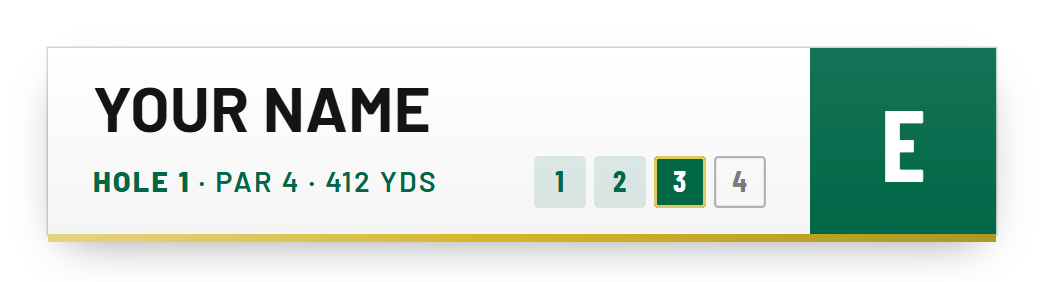
What goes on a golf score overlay
- H7The holeBig enough to read on a phone.
- Par 4The parSo the score means something.
- 412The yardageFrom the tee you're playing.
- 2The shotChanges on every graphic.
- −1Score to parWhat viewers look at most.
The scorecard overlay adds every hole so far, with the marks golf fans read at a glance. The scorecard guide covers the layout.
 ScorecardsHow to Make a Golf Scorecard Graphic
Templates: where the hours go
A template gives you the look. You still type every overlay yourself.
- ~100Score overlays a roundOne a shot, each with a new shot number.
- 18Scorecards a roundA new one after every hole, for every player.
- 1Typo to break the restOne wrong score and every overlay after it is wrong too.
- Edit the text on every shot
- Work out the score to par yourself
- Redo the scorecard after each hole
- Export them one by one
- Enter or scan the scorecard once
- Every overlay made for you
- A scorecard after every hole on Pro
- The whole round in one export
A template is fine for a one-off. For a channel filming rounds every week, it's hours you'd rather spend editing.
Every overlay from your scorecard
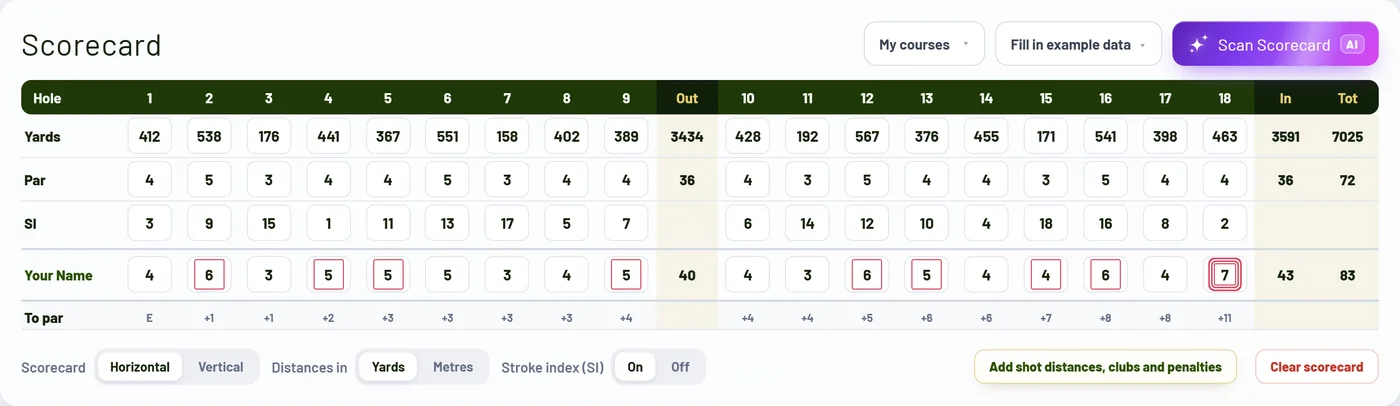
The Score Graphics Generator turns the round into finished overlays. Type the scorecard in, or on Pro photograph it and the AI scan fills it in.
Pick a design and make it yours: your colours, your channel's look, the overlay's size and where it sits.
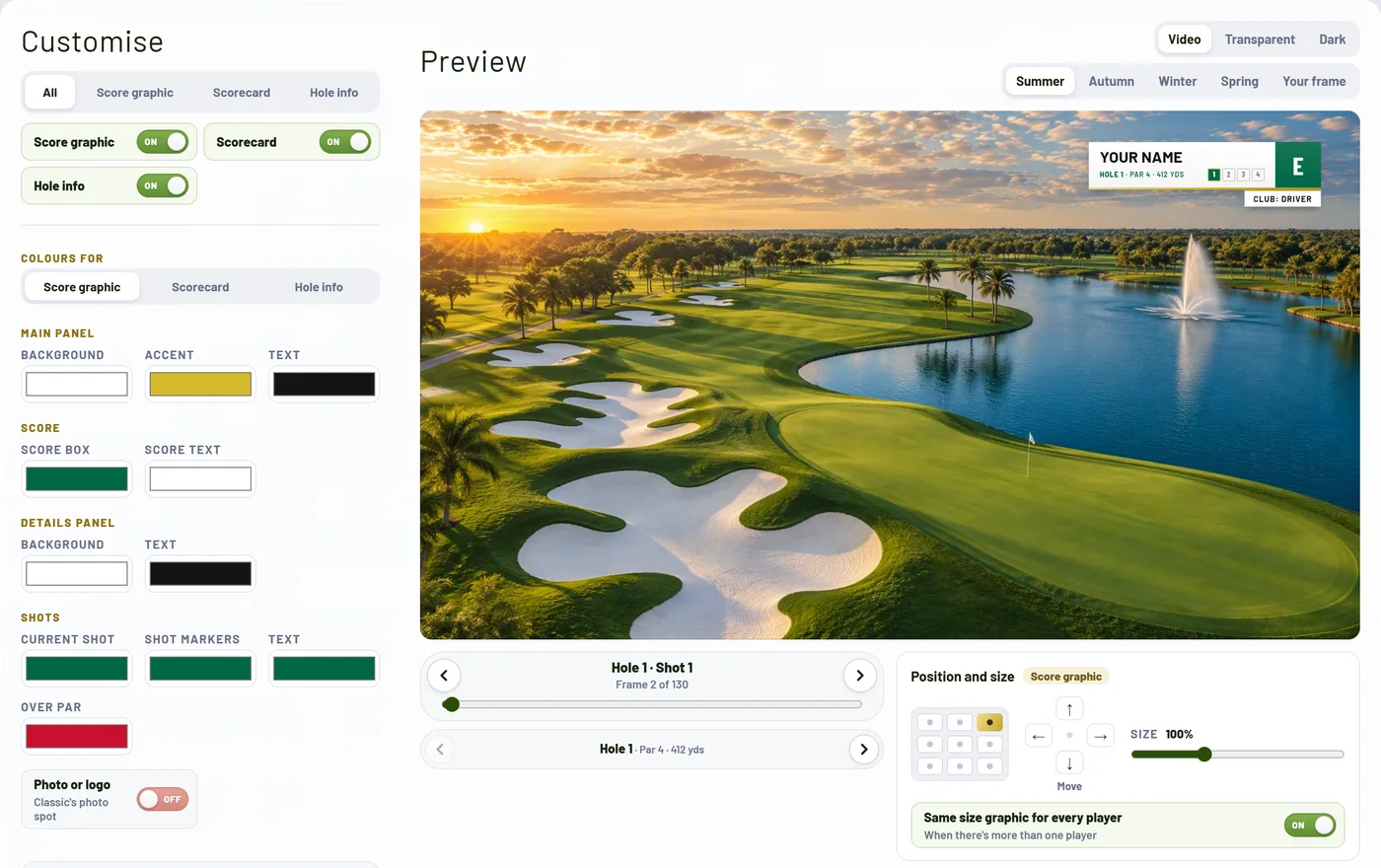
Then one click exports the round: a transparent overlay for every shot, a folder per hole, in HD, vertical, and 4K on Pro. Animated designs come as see-through clips for your editor too.
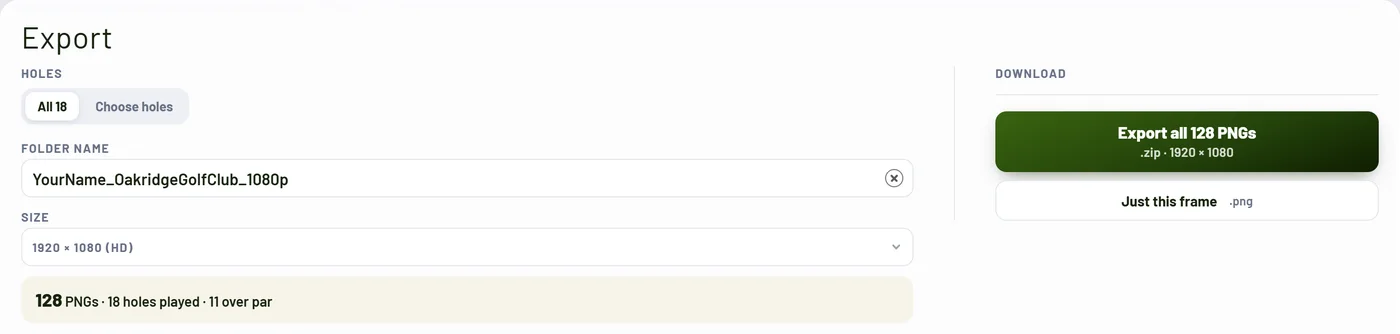
Adding a golf scorecard to your video
Put the overlays on a track above your footage. Show each score overlay from just before the swing to the end of the shot, and the scorecard for 2 to 4 seconds between holes. Each editor has its own quick way:
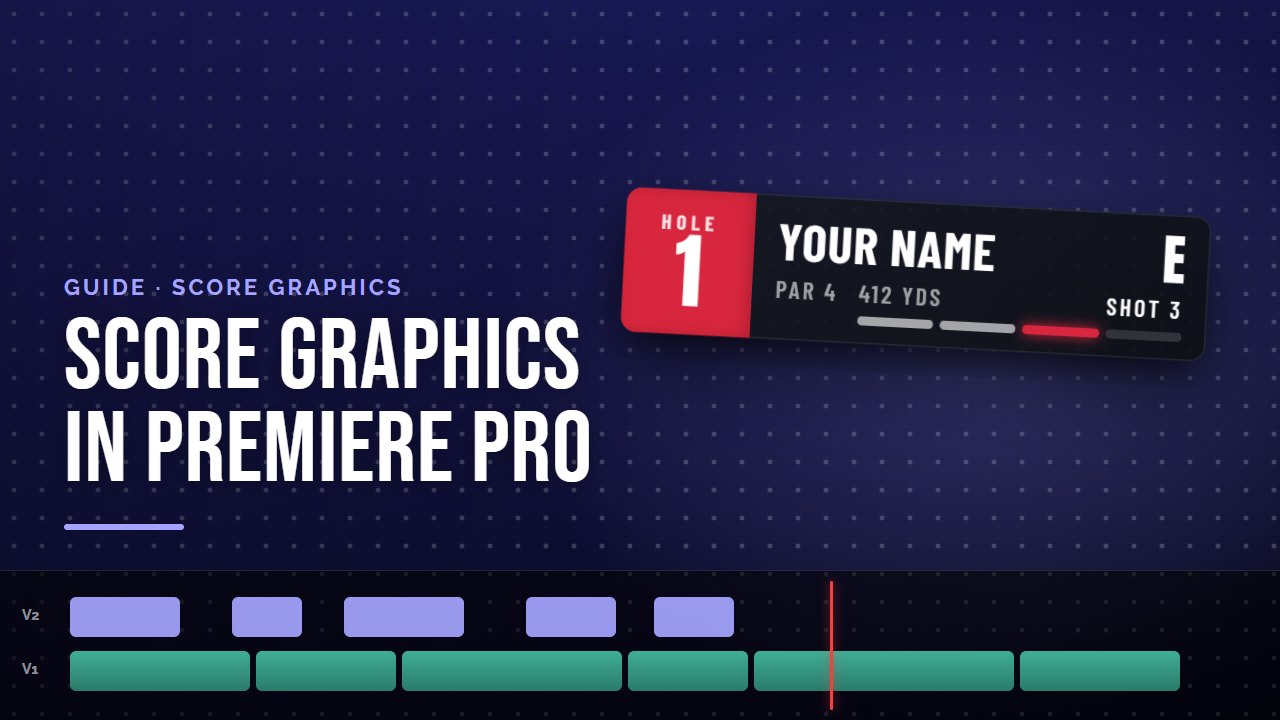 Premiere ProHow to Add Golf Score Graphics in Premiere Pro
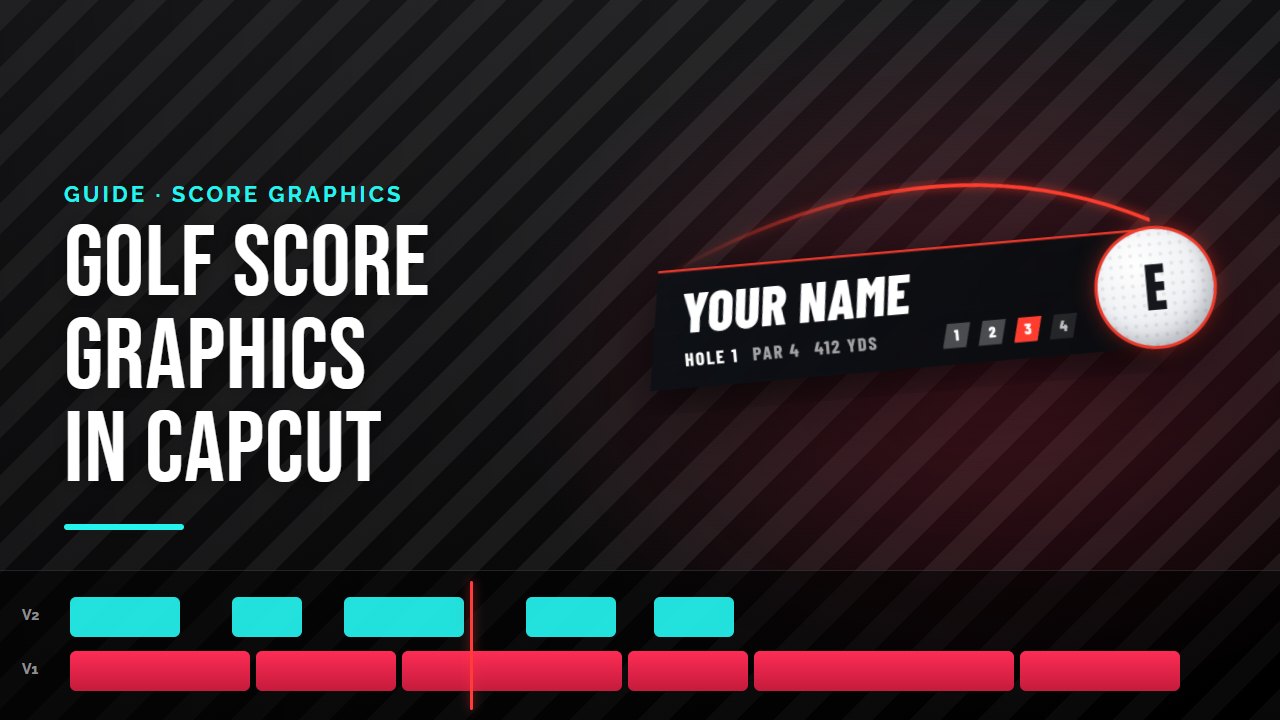 CapCutHow to Add Golf Score Graphics in CapCut
Quick answers
What is a golf scorecard overlay?
The graphic laid over your golf video to show the score. Most channels use two: a small overlay on every shot with the hole, par, yardage, shot and score to par, and the full scorecard after each hole.
Is there a golf scorecard overlay template?
Yes: PNG, Canva and After Effects templates you edit for every shot. The Score Graphics Generator is the step up: you enter or scan the scorecard once and it makes every finished overlay for you.
How do I add a golf scorecard to a YouTube video?
Put the transparent overlay on a track above your footage: the score overlay from just before each swing to the end of the shot, and the scorecard for 2 to 4 seconds between holes. Every editor that takes PNG images can do it.
What is a golf score overlay?
The small overlay on each shot: the player, hole, par, yardage, which shot it is and the score to par. It's the YouTube version of the score bug on a TV golf broadcast.
Should a golf score overlay be a PNG?
A transparent PNG for stills, so the course shows through. Animated overlays are transparent video clips: QuickTime Animation or ProRes 4444 .mov for most editors, WebM for browser editors and GIF for CapCut on a phone.
What is a golf score bug?
The TV term for the small box in the corner of a golf broadcast with the player, hole and score. Golf YouTubers use the same idea as a score overlay on every shot.
Can I add a golf scorecard overlay in CapCut?
Yes. Import the overlays and add each one as an overlay above its shot, on desktop or mobile. The generator exports a GIF version of animated overlays for CapCut on a phone, which keeps them see-through.
What size should a golf scorecard overlay be?
The same as your video: 1920 × 1080 for HD, 3840 × 2160 for 4K, or 1080 × 1920 for Shorts, TikTok and Reels, with a transparent background.
Can a golf scorecard overlay be animated?
Yes. Animated designs slide or pop in as a transparent clip, then a still holds the overlay for the rest of the shot. On Pro the generator exports both for every shot.
Is there a free golf scorecard overlay maker?
You can make a free account and preview every design with your own name and round. Exporting starts with a 14-day free trial on Starter or Pro.
Try it on your next round
Make a free account and preview every design with your own name before you pay anything. Starter and Pro both come with a 14-day free trial.